Developed by Blue Wizard Digital, the studio behind Shell Shockers, Basket Bros was built to translate physical platform combat into fast, two-player arcade basketball.
Basket Bros turns basketball into a brawl, and that is what hooks you in the first ten seconds. You jump, you shoot, and you punch the other player to steal the ball. Blue Wizard Digital released it in 2020 as a 2D arcade game built on HTML5 and WebGL.
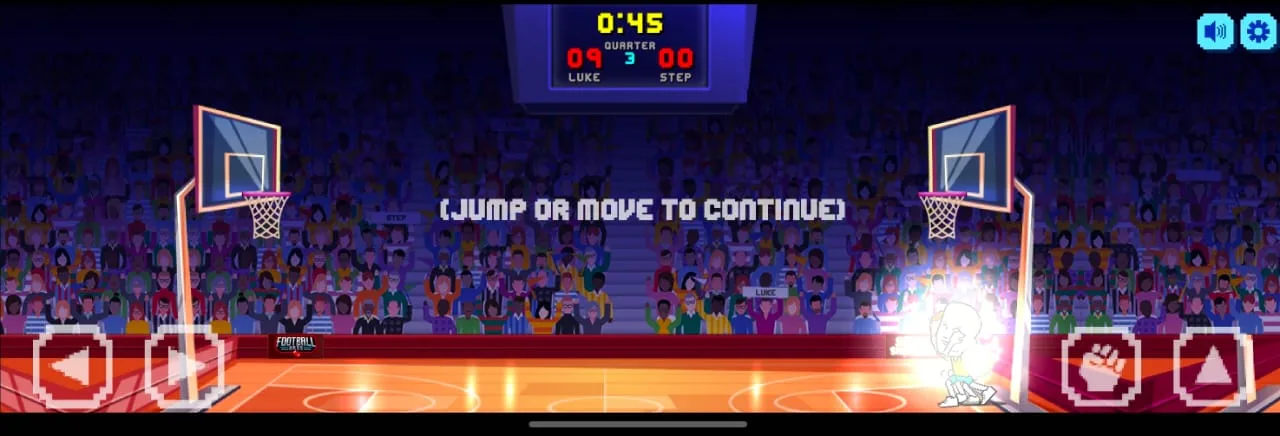
Each match is a 1v1 duel on a tiny court. Movement is floaty, jumps are huge, and one well-timed hit can flip the whole scoreline. You can play on a desktop keyboard or with touch buttons on a phone.
Ready to see how it feels? Jump in now and learn the timing for yourself.
What Makes Basket Bros Unique
Arcade Rules and Physical Contact
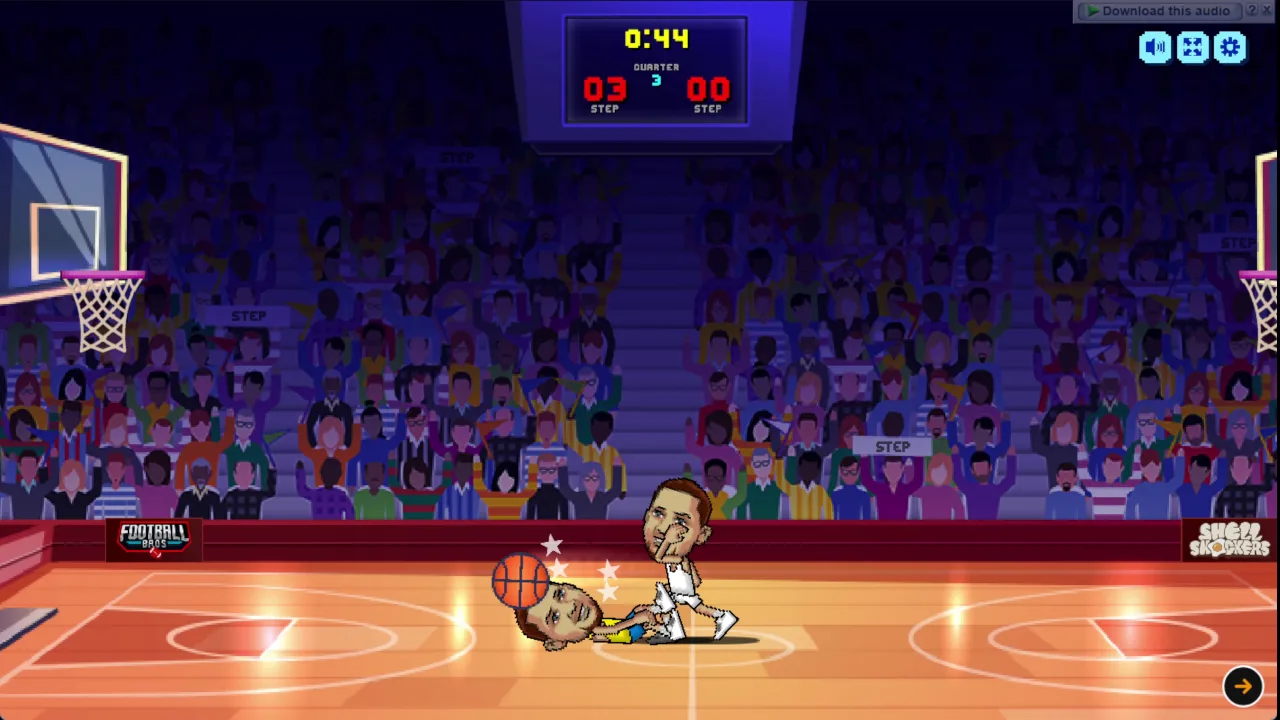
Forget referee whistles. Basket Bros has no fouls, so you never lose the ball over a push or a shove. Instead, the game hands you a fist. Walk up to the ball-carrier, press the action key, and punch. A clean hit knocks the ball away from them.
That one rule changes how you think about space. Every possession is a small fight, so you protect the ball as much as you aim it. Stripping possession by force is a core defensive tactic, not a cheap trick.
The studio behind Shell Shockers built this game to turn physical combat into fast two-player basketball, and it shows. You pick up a loose ball, sprint, and shoot before your rival recovers. Matches become tests of timing, aerial recovery, and nerve rather than set plays.
Pacing and Momentum Shifts
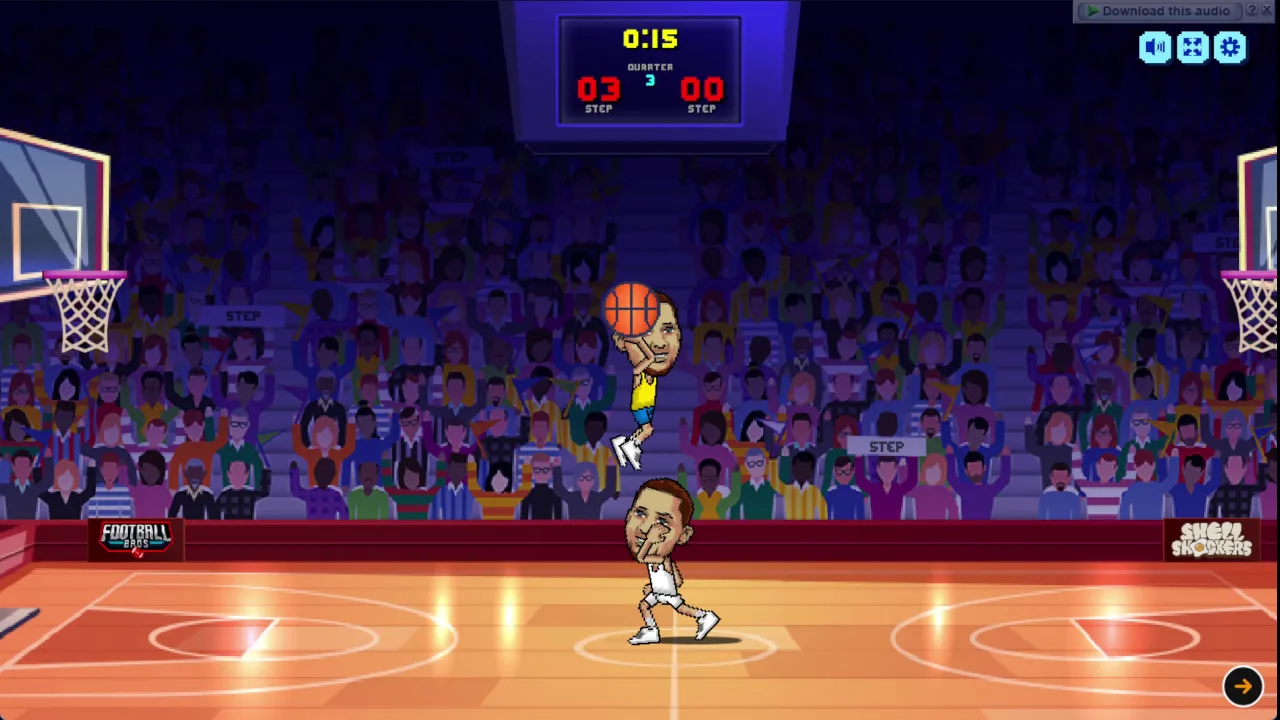
The court is compact, so nothing stays calm for long. A single block or punch can swing momentum in a heartbeat. You steal the ball at one end and score at the other within seconds. Stay alert, because the lead you built can vanish just as fast.
Basket Bros Scoring and Shot Mechanics
Timing Jump Shots and Stepbacks
Shooting runs on the Apex Jump-Shot Arc. Where you release the ball during your vertical jump decides how accurate the shot is and how well it clears defenders. Nothing else matters as much as that moment in the air.
Release at the top of the jump. A good release lets you shoot over an oncoming defender and sink the shot cleanly. Let go too early or too late, and your arc stays low and open. Your rival can swat it away with ease.
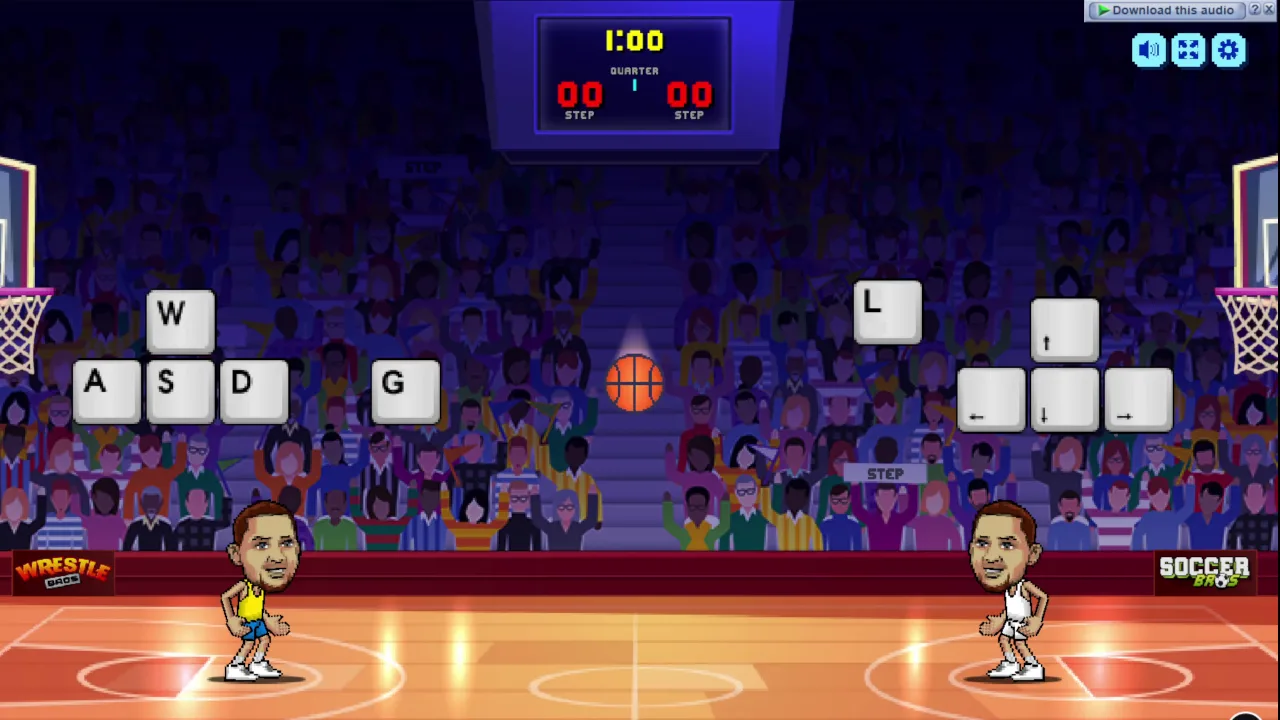
Use a stepback when a defender crowds you. Slide away to make room, jump, and wait for the peak before you let go. On keyboard, Player 1 moves with WASD and shoots with G. Player 2 moves with the Arrow Keys and shoots with L. On mobile, tap the top button to jump and the fist button to shoot.
High-Flying Dunk Executions
Big jumps make dunks a natural option. When the lane opens, drive in, leap, and finish at the rim. A dunk skips the arc timing a jump shot needs, so it feels safer. The catch is that you must get past the defender first, and a punch can stop you.
Defensive Stunts and Court Tactics
Blocking Shots at the Apex
Good defense starts in the air. You cannot block a shot you jump too early for, so read your opponent first. Watch them crouch, then jump slightly after they take off. Your hand will then sit right in their release path at the top of their arc.
Swat the ball mid-flight and the shot is dead. A clean block also sets up an instant breakaway, because the ball bounces loose toward your side. Mistime it, and you land while they score over you.
This works because shot timing is the whole game. Opponents who release early or late are easy prey. Opponents who release at the apex are harder to stop, so you must read their jump rather than guess. Practice against the AI until the rhythm feels natural.
Disrupting with Punches and Steals
On the ground, press the action key near a dribbler to throw a punch. G is the button for Player 1, and L is the button for Player 2. On mobile, tap the fist button. A direct hit stuns the ball carrier briefly and knocks the ball onto the floor. Chain a punch with quick forward movement to strip elite scorers before they can leap for an open jumper.
Game Modes and Tournament Runs
Franchise Mode Progression
Franchise Mode is the main single-player challenge. It sends you through the Franchise 17-Match Gauntlet, a run of up to 17 knockout matches. You cannot afford a bad night, since a loss ends your run.
The challenge climbs as you advance. Later opponents jump quicker, steal more aggressively, and shoot with higher accuracy. That tests two things at once: how consistently you defend and how efficiently you score. Rely on one trick and the bracket will punish you, so adapt to each matchup.
Try Basket Bros right here and see how deep into the bracket you can go.
Local Two-Player and AI Exhibition
Exhibition games let you practice against the computer or battle a friend on one shared keyboard. Player 1 uses WASD with G, and Player 2 uses the Arrow Keys with L. Sitting side by side turns every match into a loud, split-second rivalry. Use the AI side to sharpen your timing before you face a real person.
Mastering Basket Bros Player Attributes
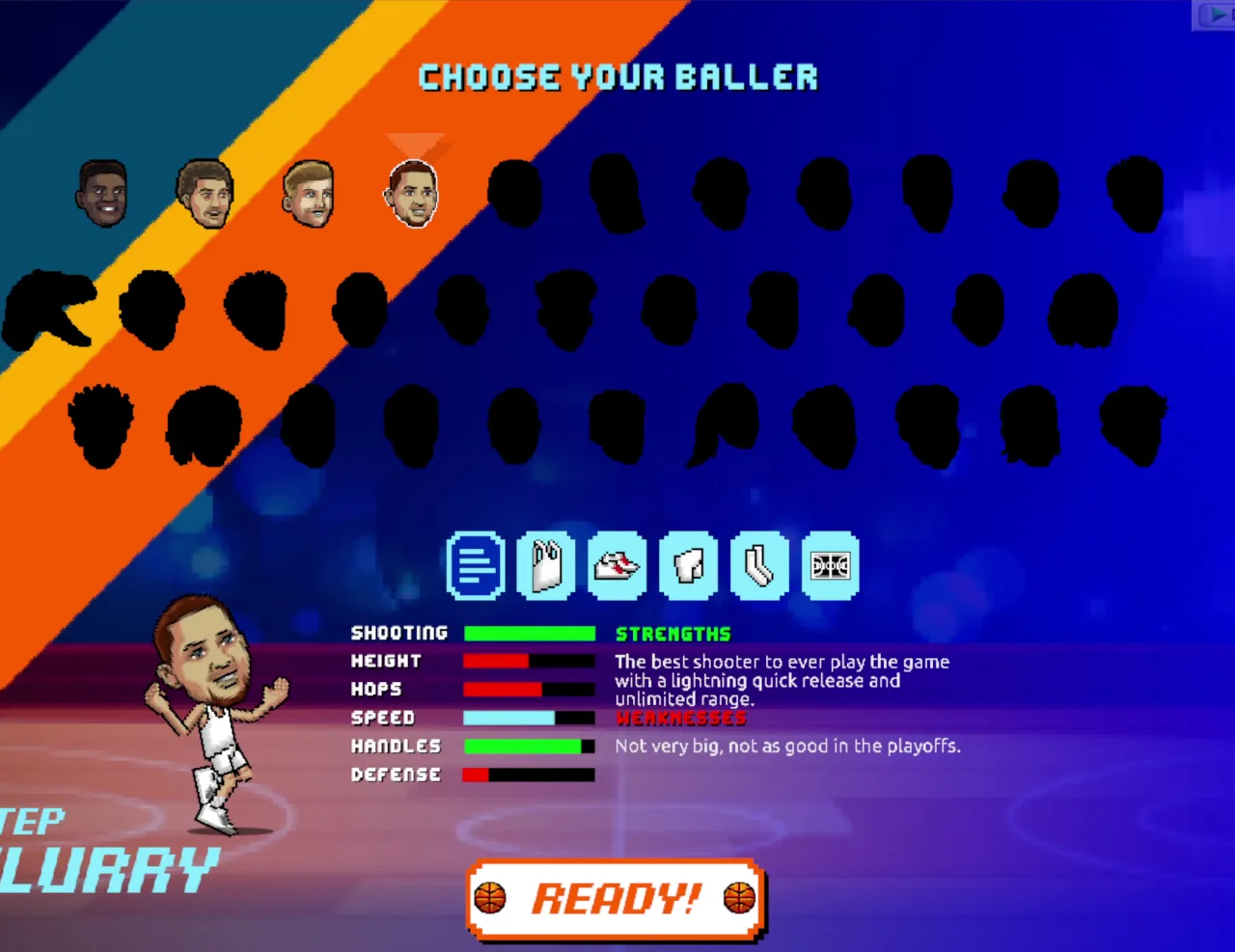
Roster Specializations
Players in this game do not feel identical. Some lean toward getting to the rim, while others lean toward shooting from range. Learn what each one does well and pick a style that suits your hands. A scorer who struggles on defense needs more careful spacing, while a defender needs sharper reads on opponents' jumps.
Watch how your player moves and jumps in the first few possessions. That short test tells you more than any guess.
Balancing Dunks Against Shooting
Mix your offense so defenders cannot predict you. If you only dunk, opponents crowd the lane and punch you. If you only shoot, they learn your timing and block it. Threaten both, and the defense has to choose. That choice gives you the opening you need.
Fast 1v1 arcade basketball with exaggerated jumping and movement physics
Physical combat mechanics that allow punching opponents to strip possession
Local two-player shared keyboard matches alongside single-player AI exhibitions
Full 17-match Franchise Mode tournament run against escalating competition
How to Play Basket Bros
Step 1: Use the game controls
Use WASD Keys to move. Use G to shoot, stunt, or block. Use Arrow Keys to move. Use L to shoot, stunt, or block.
Step 2: Select Game Mode and Baller
Choose between 1v1 single-player practice, Franchise tournament mode, or two-player local play, then pick your character.
Step 3: Contest the Opening Tip
Jump as soon as the ball enters the air to claim early possession and set up your offensive half-court position.
Step 4: Drive, Step Back, or Dunk
Space out your opponent with quick directional movement, leaping to launch high perimeter jump shots or attacking inside for power slams.
Step 5: Disrupt Opponents on Defense
Time your aerial blocks to bat away airborne shots, or close the distance and punch the ball-handler to trigger sudden turnovers.
Basket Bros FAQs
What are the basic controls for Basket Bros?
Browser keyboard: WASD Keys — move; G — shoot, stunt, or block; Arrow Keys — move; L — shoot, stunt, or block; WASD Keys - Player 1 — move; G - Player 1 — shoot, stunt, or block; Arrow Keys - Player 2 — move; L - Player 2 — shoot, stunt, or block. Mobile: Tap the left and right buttons — move; Tap the top button — jump; Tap the fist button — shoot, stunt, or block.
Can I play Basket Bros on mobile devices?
Yes. Basket Bros runs in your phone or tablet browser, and it has touch controls. There is also a mobile app.
Do I need to download Basket Bros?
No. Basket Bros runs in your browser on this page, with nothing to download or install.
How do you block shots in Basket Bros?
Time your jump so your player reaches the apex right as the shooter releases the basketball. Colliding with the shot trajectory swats the ball out of the air.
How do you steal the ball from opponents?
Get close to the ball handler and tap your action key to punch them. The strike momentarily stuns the opponent and knocks the basketball loose.
Basket Bros turns 2D arcade basketball into a physical contest. Punching the ball-carrier makes defense as aggressive as offense, while the jump shot rewards precise release timing, letting you shoot over defenders instead of getting swatted. The up to 17-match single-player gauntlet builds a steady challenge, and a second player can join in multiplayer on the same keyboard.
Whether you play with WASD and G, the arrow keys and L, or the on-screen buttons on mobile, it's easy to pick up and hard to put down. Jump in and play Basket Bros right here on this page.
Basket Bros Game Image
Game Controls
WASD Keys
Move
G
Shoot, stunt, or block
Arrow Keys
Move
L
Shoot, stunt, or block
Tap the left and right buttons
Move
Tap the top button
Jump
Tap the fist button
Shoot, stunt, or block
No comments yet. Be the first to share your thoughts!



No comments yet. Be the first to share your thoughts!